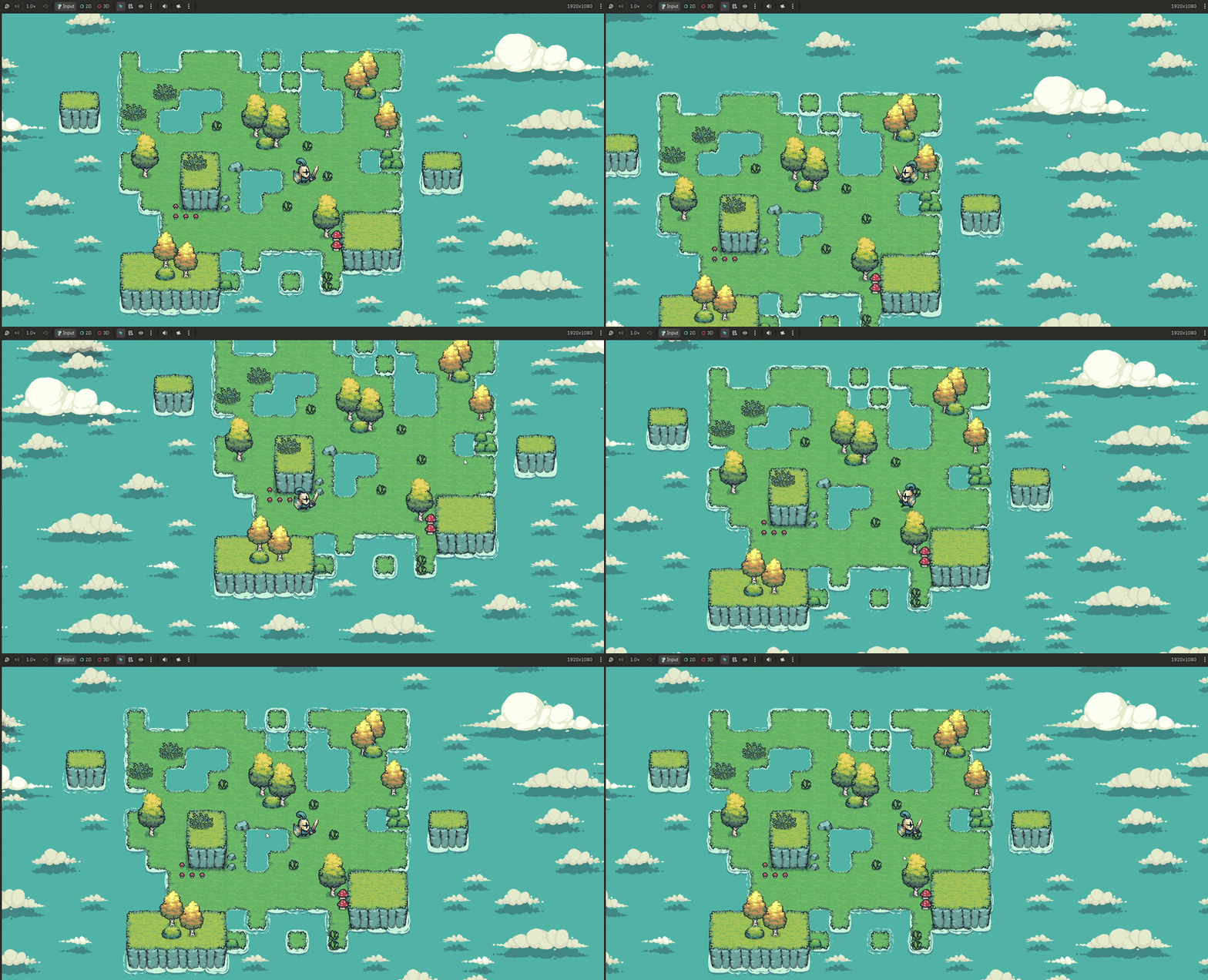
#2 Crafting a new world
There is something special about generating your first world, seeing your character run headfirst into a tree! Today I did just that, a huge step in building Skappi Isle.
I am using Godot 4, following
this tutorial,
with character assets from
Tiny Swords by Pixel Frog.
The Node of the day, TileMapLayer. Discovering how different environmental assets are brought into existence and interact with one another was fascinating.
Using Terrain Sets I set the foundation, by adding Animations I brought life to the Isle, before adding Collisions to stop my character from running off the scene. Finally, by adjusting the Y Sort and Z Index I ensured the environment worked together beautifully.
Although a technically simple milestone, most definitely a satisfying one. The foundations of Skappi Isle exist!
#1 Getting the Player on Screen
My first step in building Skappi Isle was learning how to get the player character into the game and making them feel responsive.
I am using Godot 4, following
this tutorial,
with character assets from
Tiny Swords by Pixel Frog.
I started by creating the player as its own scene, giving it a sprite, collision, and camera. One thing I found interesting was separating the player's actual position and collision from the visual sprite. This makes the player scene much easier to work with and reuse.
Once the player was on screen, I set up movement and added idle, run, and attack animations. I used an AnimationTree to handle switching between these animations, including a BlendSpace2D for the directional attack animation.
The biggest learning point for me was how the different parts fit together: the CharacterBody2D handles movement and collisions, while the AnimationTree handles the character's current animation state. I also learned why movement needs to be normalised, otherwise moving diagonally makes the player move faster.
It is a relatively small milestone, but seeing the character actually move, run and attack on screen feels like the point where Skappi Isle started becoming a game rather than just a project.